ACPS Payment Processing: Order-To-Cash
You will learn how to act pending ACPS document using the online application.
You will learn
- How to act for pending ACPS application with cash-requirement
|
1 |
Step 1: Select pending ACPS application document |
-
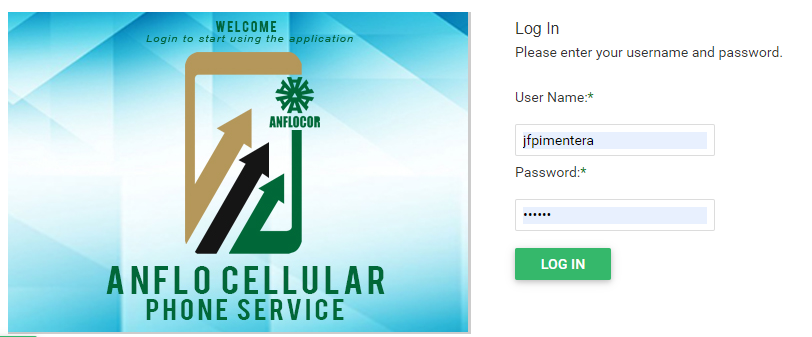
Log in to the ACPS system using username and password (Active Directory)
-
Under Pending Task(s) section in your homepage/dashboard, click the Open button

-
Go to the Document Action section to review details

-
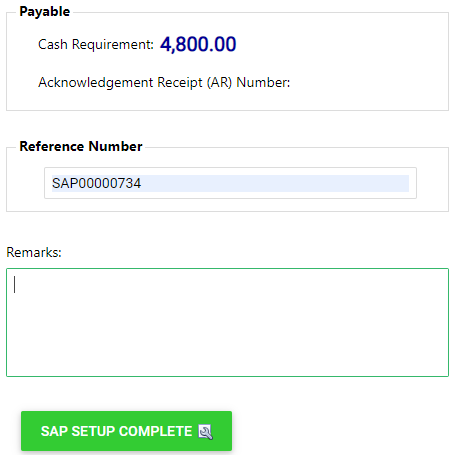
Enter transaction number from SAP to the reference number and click SAP SETUP COMPLETE buttom to proceed to the Treasury processing.
|
2 |
Step 2: Review Plan details |
Prerequisites
- Go to the online ACPS system using this url https://acps.anflocor.com/ or click Here
- User must have an access to the system and a OTC role
- Assigned pending application document for setup
- Transaction number from SAP