Create ACPS Application
You will learn how to create ACPS document using the online application.
You will learn
- How to apply for new/renewal ACPS application
- How to fillup needed information
- Plan Details
- Applicant Assessment
- Justification
- Support Document
|
1 |
Step 1: Create a ACPS application document |
-
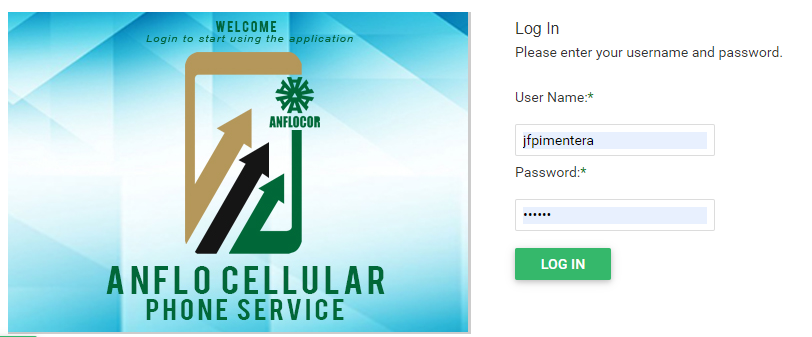
Log in to the ACPS system using username and password (Active Directory)
-
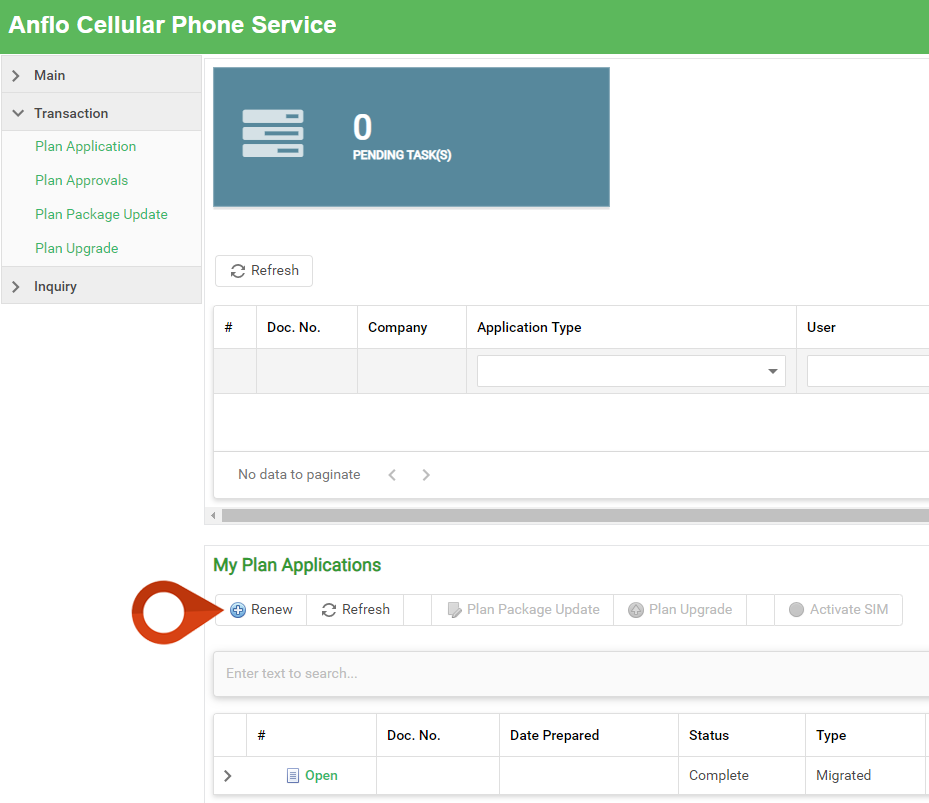
Under My Applications section in your homepage/dashboard, click New/Renew button
-
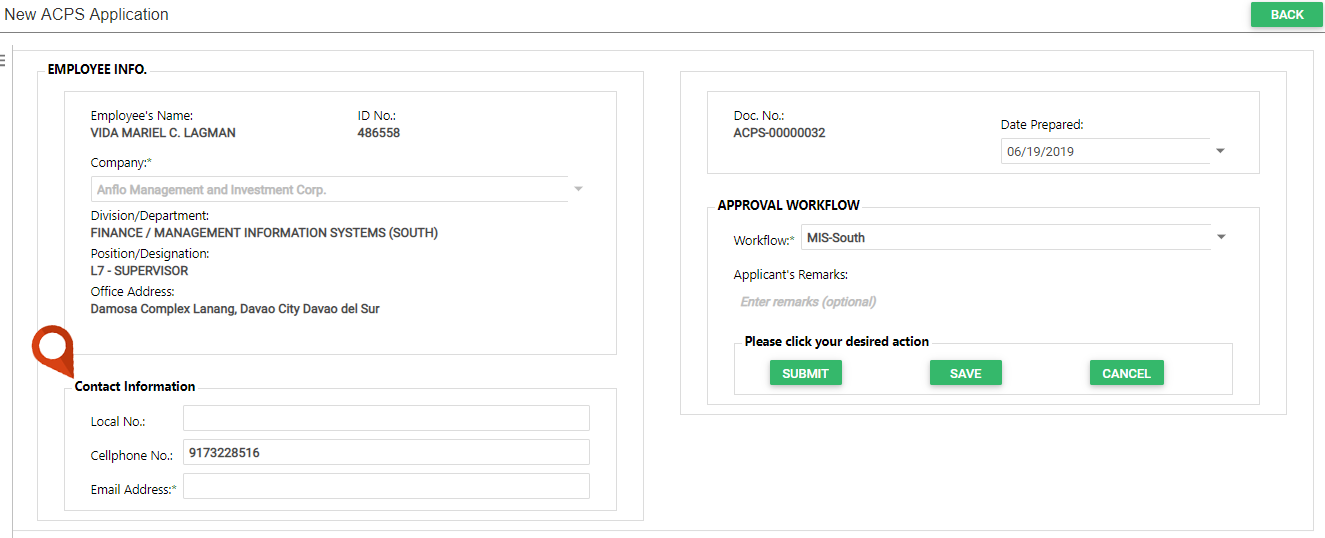
Enter your contact information
|
2 |
Step 2: Enter Plan details |
-
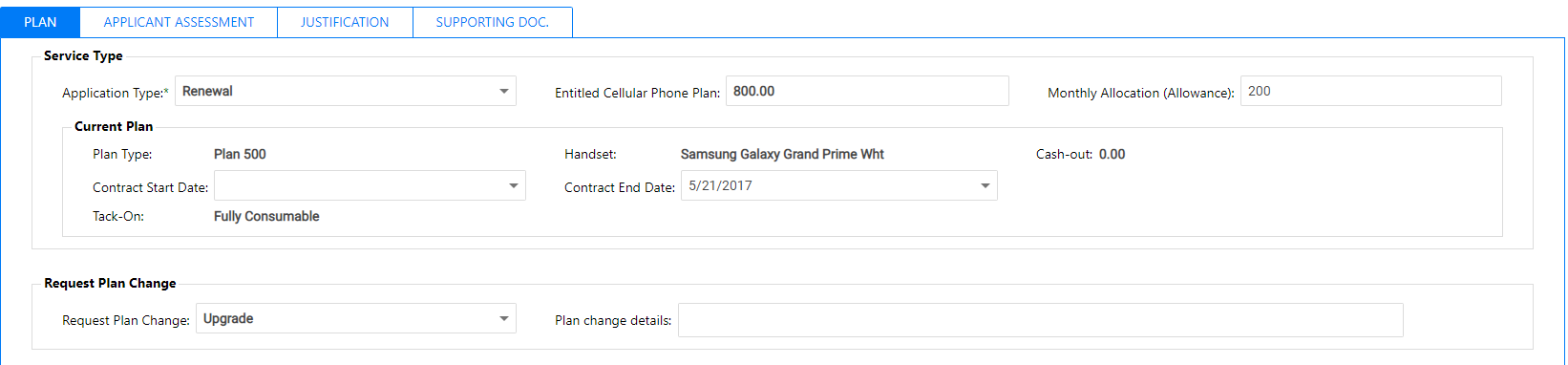
Go to the PLAN Tab
-
Under Handset Choice, select your desired Plan and Handset.
Personal Cash Requirement will automatically computed based on selected Plan and Handset

-
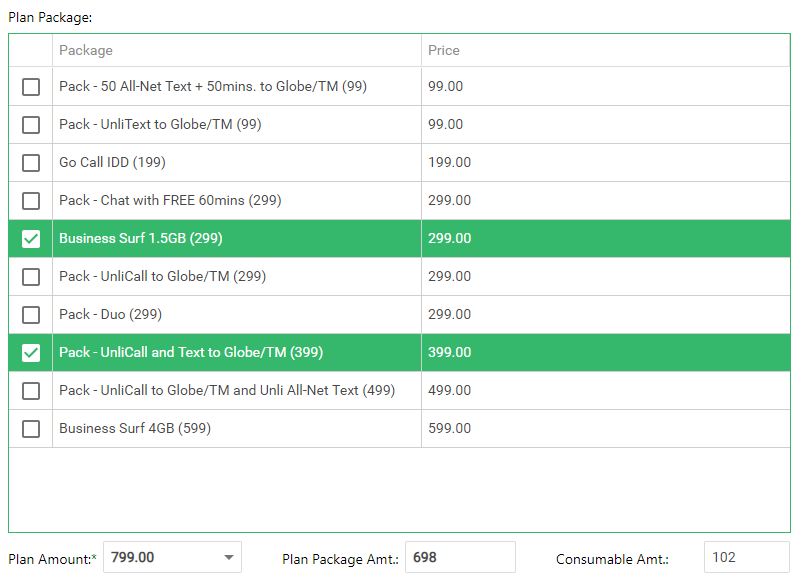
Select your desired Plan Package (Tack-On). You can select multiple package
|
3 |
Step 3: Enter Applicant Assessment |
-
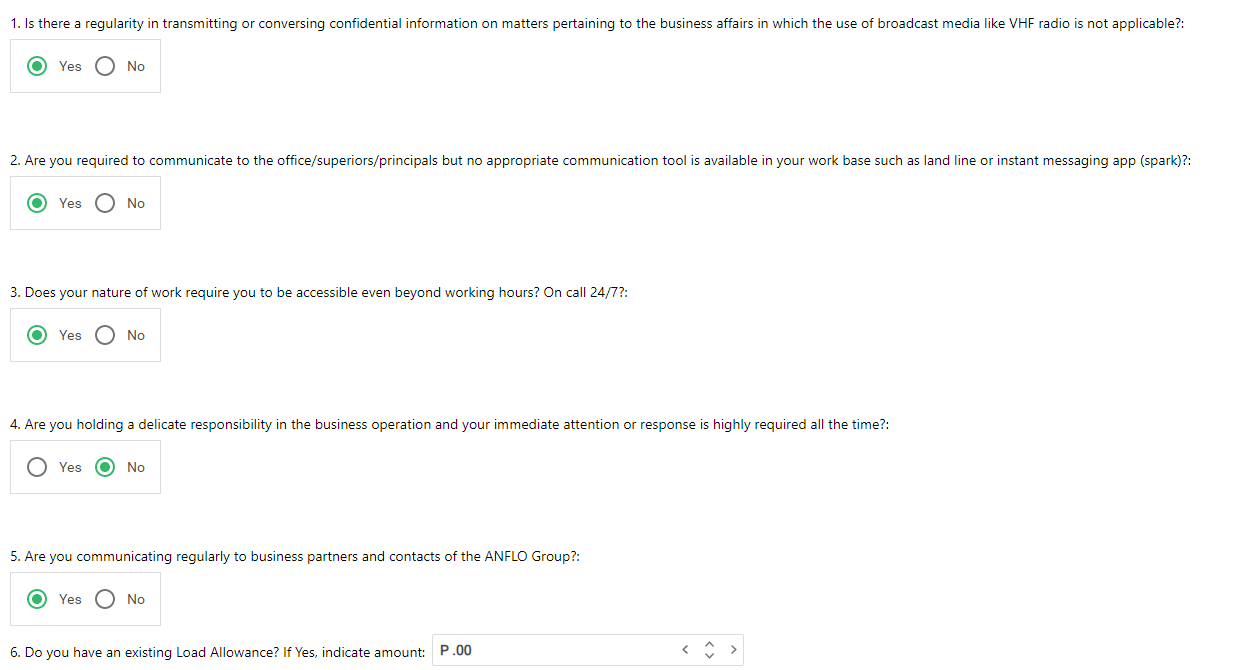
Go to the APPLICANT ASSESSMENT Tab (For below managers only)

-
Assess the usage of your application, this will be use by the Studies Group for evaluation purposes
-
Enter estimated percentage of application usage

|
4 |
Step 4: Enter Justification (Optional) |
-
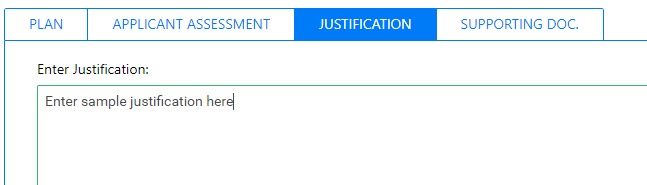
Go to the JUSTIFICATION Tab
|
5 |
Step 5: Attach supporting document(s) |
-
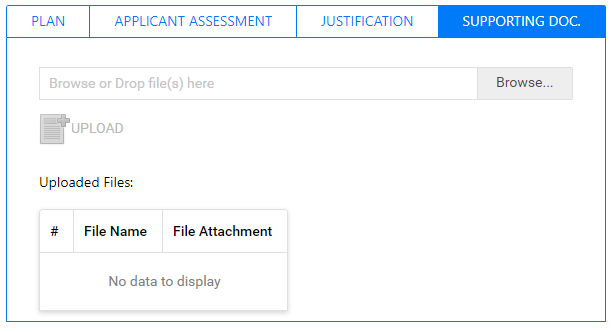
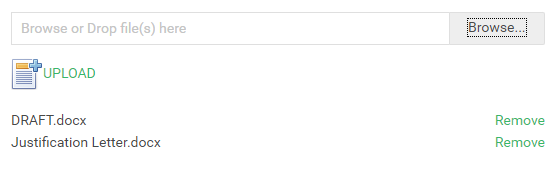
Go to the SUPPORTING DOC. Tab
-
Browse files to be uploaded
-
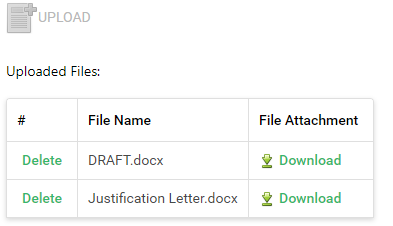
Click Upload button to add the files in the list
|
6 |
Step 6: Review and Submit |
-
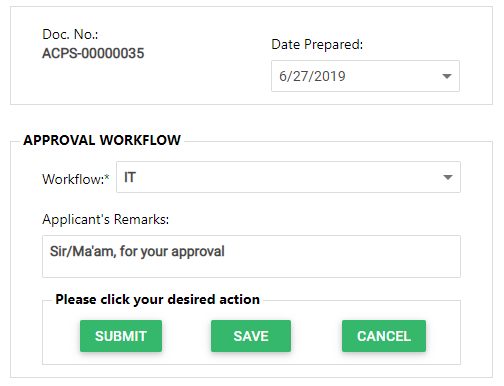
Select your WORKFLOW APPROVAL and click action button
Prerequisites
- Go to the online ACPS system using this url https://acps.anflocor.com/ or click Here
- User must have an access to the system