Handset Setup
You will learn how to configure Handset.
You will learn
- How to add/change Handset
|
1 |
Step 1: Create a new Handset |
-
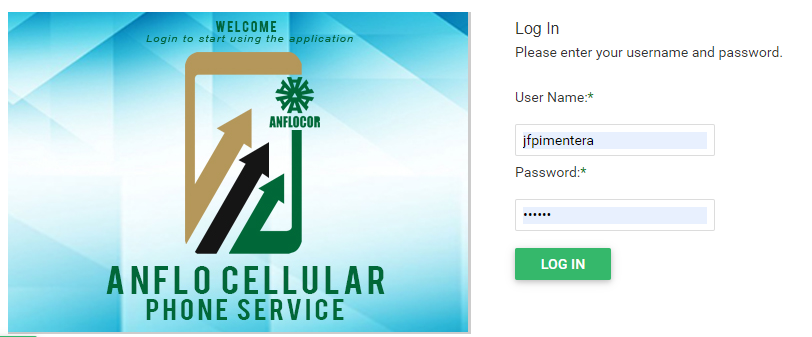
Log in to the ACPS system using username and password (Active Directory)
-
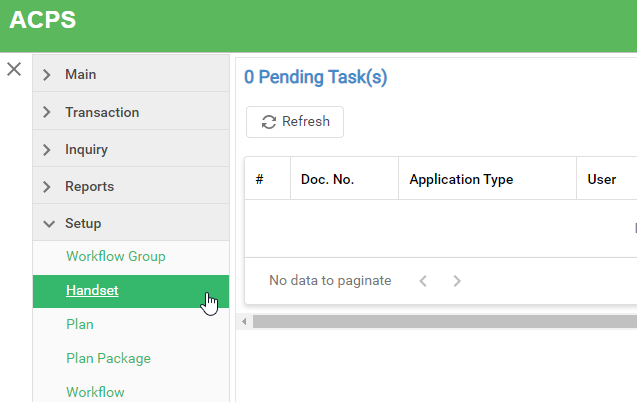
Under Setup section in your menu, select Handset
-
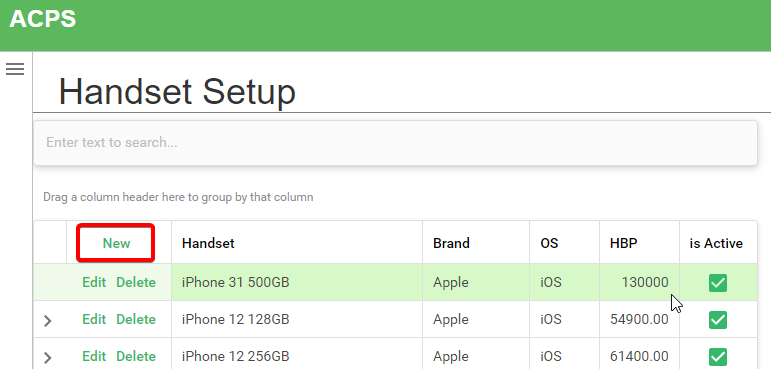
Click the New button and enter handset info.
Note: Only active Handsets are available when user creates application.
-
To Edit record, just double click on the field ang change the value.
-
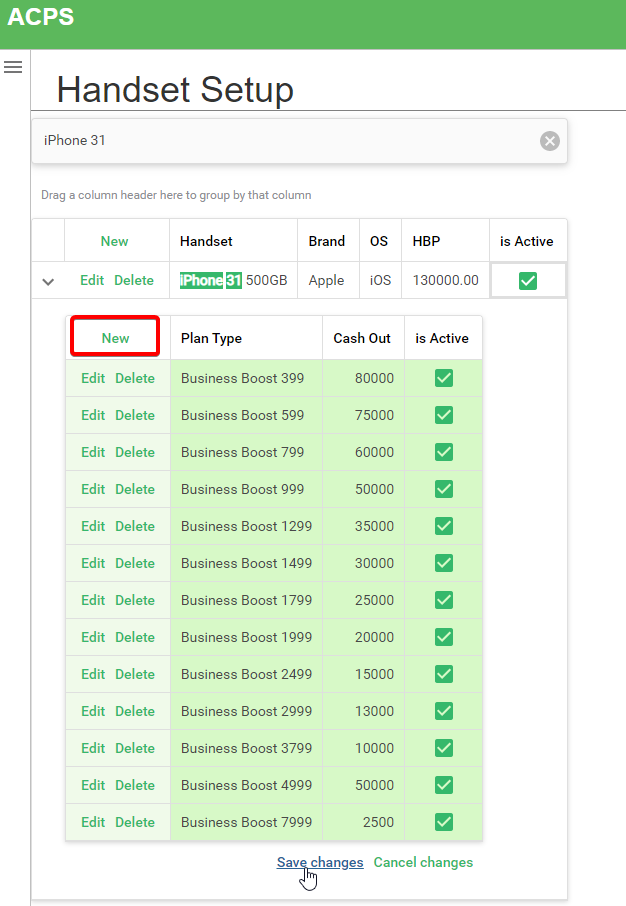
Click the Save Changes button located at bottom right corner of the table.

|
2 |
Step 2: Add Plan Types and Cashouts |
-
Expand Handset record and click the New button to insert plan types. Enter values provided by the service provider. Then click the Save Changes button to save.
Prerequisites
- Go to the online ACPS system using this url https://acps.anflocor.com/ or click Here
- User must have an Admin access to the system